Missed appointments hurt small businesses, costing up to $26,000 annually and impacting client retention. Forgetfulness, poor communication, and scheduling conflicts are the top reasons for no-shows, which average 19% across industries. But you can reduce these by up to 50% with the right strategies.
Here’s how to tackle no-shows effectively:
- Automated Reminders: Send SMS, email, or phone reminders 24–48 hours before appointments.
- Online Scheduling Tools: Use tools like Calendly or Acuity to prevent double-booking and allow self-service rescheduling.
- Easy Rescheduling: Offer one-click links or client portals for hassle-free changes.
- Appointment Confirmations: Automate confirmations to lock in client commitment.
- No-Show Policies: Set clear cancellation fees to protect revenue.
- Client Engagement: Use personalized messages and post-appointment feedback to build relationships.
- Data-Driven Scheduling: Adjust appointment times based on attendance trends.
These steps can save time, boost revenue, and strengthen client relationships, all while cutting no-shows significantly.
7 Ways To Dramatically Reduce Patient No Shows
Common Reasons People Miss Appointments
Missed appointments can have a big impact on service industries, disrupting operations and making it harder to keep clients.
Forgetfulness and Poor Communication
A major reason people miss appointments is simply forgetting about them, accounting for 35.5% of no-shows. Poor communication is another big factor, making up 31.5%. This often happens when appointment details are unclear or reminders aren’t effective.
Conflicts with Other Plans
Double-booking and scheduling conflicts are also common culprits. These issues are especially likely when appointments are scheduled far in advance, increasing the chances of overlapping commitments.
| No-Show Impact on Client Retention | Percentage |
|---|---|
| Clients with no missed appointments | 19% attrition rate |
| Clients with one or more no-shows | 32% attrition rate |
| Timeframe: Percentage of clients lost over 18 months | 18 months |
Low Interest or Commitment
The average no-show rate is 19% across service industries, but it can be much higher in certain fields. For example, healthcare practices can see rates of up to 30%, while dental practices average around 15%. This lack of commitment often stems from unclear benefits of the appointment, weak provider relationships, or a general lack of engagement.
Dr. Christine E. Kistler, MD, MASc, highlights the importance of consistent outreach and building strong relationships to address no-shows tied to low commitment.
1. Use Automated Appointment Reminders
Forgetfulness accounts for 35.5% of no-shows, making automated reminders an effective way to tackle this issue.
Choose the Right Reminder Channel
Not all reminder methods work equally well for every business. SMS is great for salons and medical practices due to its high visibility, while email suits professional services with its ability to include detailed information. For high-value appointments, phone calls add a personal touch. Here’s a quick comparison:
| Reminder Method | Best For | Key Advantage |
|---|---|---|
| SMS | Salons, Medical, Coaching | High visibility, over 90% open rate |
| Consulting, B2B Services | Detailed content, integrates with calendars | |
| Phone Calls | High-value appointments | Personal connection, instant confirmation |
Platforms like Your Lead Matrix can help automate reminders across these channels, ensuring messages align with your brand’s tone and style.
Time Your Reminders Effectively
The timing of your reminders plays a big role in their success. Aim to send reminders 24–48 hours before the appointment. A two-step approach works well: one reminder 48 hours in advance and another 24 hours before.
Make sure your reminders include options for confirming, rescheduling, or canceling appointments. This makes it easier for clients to communicate changes and reduces the chance of no-shows.
Pair automated reminders with a scheduling tool to simplify your booking process even further.
2. Use Online Scheduling Tools
Online scheduling tools help minimize missed appointments by cutting down on booking mistakes and miscommunication. These tools simplify the process and protect businesses from losing revenue – potentially up to $26,000 annually for businesses earning over $120,000.
Key Features of Scheduling Tools
These tools come with features designed to keep appointments on track:
| Feature | Benefit | Impact on No-Shows |
|---|---|---|
| Calendar Syncing | Prevents double-booking | Reduces conflicts by 90% |
| Real-time Availability | Displays only open slots | Avoids overbooking |
| Automated Confirmations | Confirms bookings instantly | Improves attendance rates |
| Self-service Rescheduling | Gives clients flexibility | Cuts down last-minute cancellations |
Recommended Tools: Calendly, Acuity, and Your Lead Matrix
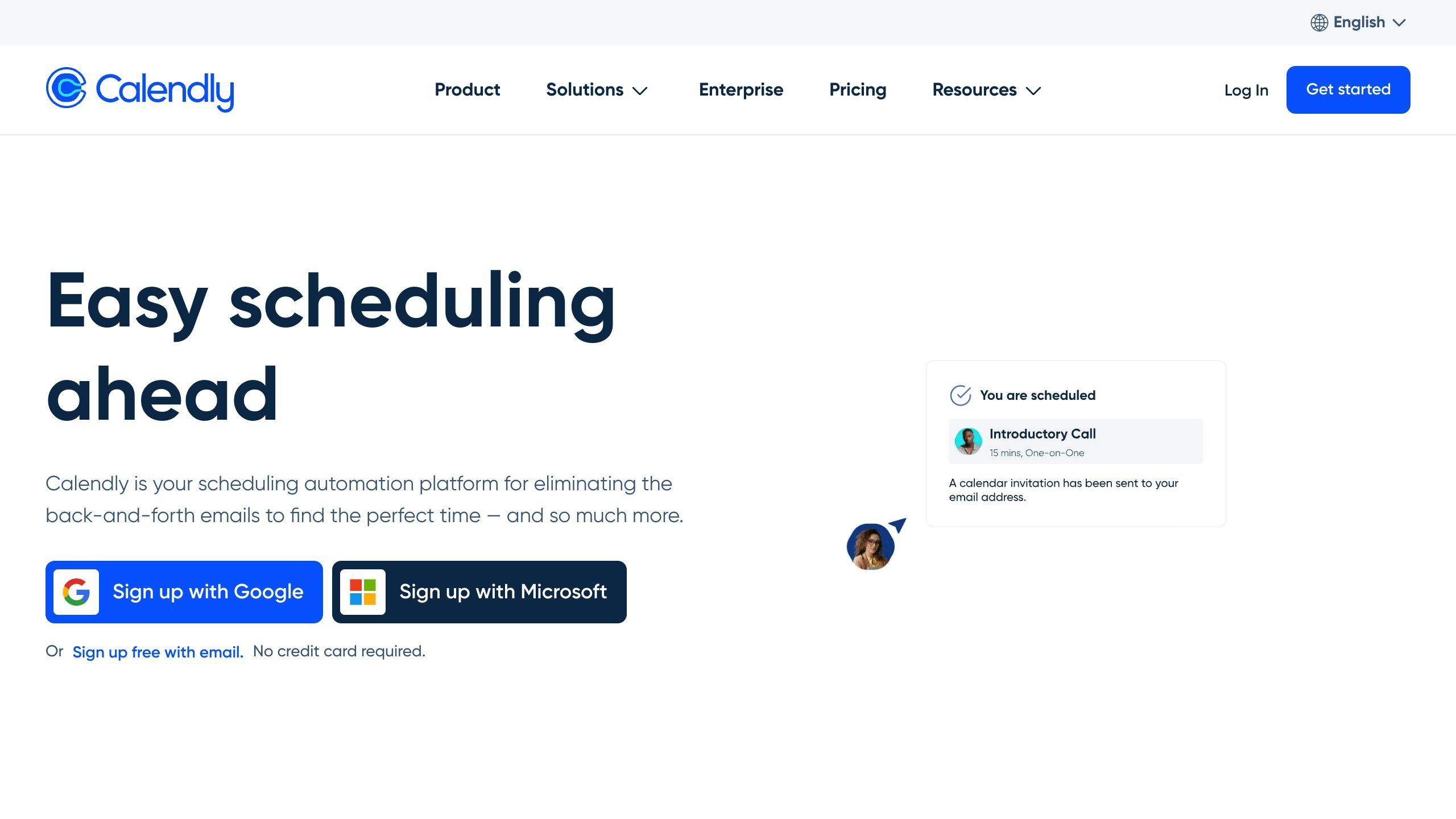
Calendly is known for its user-friendly interface and seamless integrations, making it a great choice for service-based businesses looking for a simple solution.
Acuity offers extensive customization and industry-specific options, making it particularly useful for healthcare and wellness professionals.
Your Lead Matrix goes beyond scheduling by adding advanced automation features like personalized reminders and confirmations. It also supports enterprise needs with custom integrations and dedicated support.
3. Make Rescheduling Easy
Reducing no-shows can be as simple as making rescheduling stress-free. When clients can manage their appointments without hassle, they’re more likely to stick to their commitments. Many online scheduling tools now offer features that simplify rescheduling for both businesses and clients.
Simplify the Rescheduling Process
Self-service options make it easy for clients to adjust their appointments. Here are a few effective methods businesses use:
| Rescheduling Method | How It Works | Effect on No-Shows |
|---|---|---|
| One-Click Links | Embedded in reminder emails or texts | Cuts friction by 80% |
| Client Portal | Always-available scheduling access | Reduces phone inquiries by 65% |
| Mobile App Access | Reschedule anytime, anywhere | Boosts flexibility by 70% |
Shorten Wait Times
When clients can reschedule to match their availability, they’re more likely to show up. These strategies can help:
Optimized Booking Times: Use appointment data to find the best times for scheduling. Keep routine appointments within 2-3 weeks and prioritize urgent needs with quicker slots to improve attendance rates.
Dynamic Availability: Adjust your schedule based on patterns. For example, if Monday mornings often have no-shows, reduce availability during that time or offer incentives for less popular slots. This keeps your calendar running efficiently.
sbb-itb-4c38b13
4. Send Appointment Confirmations
After making rescheduling easy, the next step is locking in client commitment through effective appointment confirmations. These reminders help keep appointments top of mind, boosting attendance rates.
Automate Confirmation Messages
Automating confirmations saves time and ensures no follow-ups are missed. Many scheduling tools can handle this with a simple sequence like:
| Message Timing | Purpose |
|---|---|
| Right After Booking | Share full appointment details, including location. |
| 48 Hours Before | Provide a reminder with date, time, and prep tips. |
| 24 Hours Before | Offer a quick confirmation and any final details. |
Tailor the method of communication to your audience. Younger clients often prefer SMS, while email works better for professional services clients who may need more detailed information.
Double Confirm Critical Appointments
For appointments that involve significant preparation or costs, take extra steps. Send a personalized message 72 hours in advance, outlining cancellation policies and rescheduling options. This proactive approach ensures clients are fully aware and ready.
"Almost 70% of missed appointments could have been avoided with the right communication", says Gabriela Lefanowicz, highlighting how vital confirmations are.
Monitor how clients respond to these messages and refine your process as needed. While confirmations help reduce no-shows, having a clear no-show policy in place reinforces responsibility.
5. Set and Share a No-Show Policy
A clear no-show policy helps protect your business while keeping client relationships intact. It minimizes missed appointments and safeguards your revenue.
Use Cancellation Fees Effectively
Design cancellation fees that fit your industry and clientele. A tiered system, combined with a one-time grace period for first-time offenders, strikes a balance between being firm and understanding:
| Notice Period | Fee Structure | Why It Works |
|---|---|---|
| 24+ hours | No charge | Provides reasonable flexibility |
| 12-24 hours | 25% of service cost | Covers part of the lost time |
| Less than 12 hours | 50% of service cost | Compensates for short notice |
| No-show | Full service cost | Protects against full revenue loss |
Make Policies Easy to Understand
Good communication is key to getting clients on board. Share your no-show policy across all booking channels, confirmation emails, and your website. Tools like Calendly or Acuity can display terms during the booking process, while confirmation emails can include quick reminders. A dedicated page on your website also gives clients full access to the policy.
For industries like healthcare or service-based businesses, consider using predictive tools to identify clients who may be more likely to miss appointments. Sending extra reminders or follow-ups to these clients can help reduce no-show rates, which average around 19% in healthcare.
6. Keep Clients Engaged
Keeping clients engaged helps reduce appointment no-shows by strengthening relationships and encouraging better attendance.
Use Personalized Messages
Sending personalized messages can increase trust and improve attendance. In some industries, this approach has reduced no-shows by up to 35%. Tools like Your Lead Matrix can automate these tailored messages, making it easier to keep clients engaged.
Here are some key message types to consider:
| Message Type | Purpose and Timing |
|---|---|
| Welcome | Confirm the booking, share service details, and highlight value. |
| Service Preview | Provide preparation tips and remind clients of the benefits a week before. |
| Final Confirmation | Share logistics and any requirements 24 hours in advance. |
| Quick Check-in | Send a brief reminder two hours before the appointment. |
Ask for Feedback After Appointments
Gathering client feedback is essential for improving retention. Research shows that 19% of patients with no no-shows leave a practice within 18 months, compared to 32% of those with one or more no-shows.
"For doctors, that should be concerning. Some patients who no-show may have serious health problems, so it’s important to look at this not only from a business perspective, but also from a clinical perspective."
To make the most of feedback, follow these steps:
- Send short surveys within 24 hours of the appointment.
- Focus on specific aspects of the service.
- Take visible action based on the feedback you receive.
- Address negative feedback directly and personally.
7. Adjust Scheduling Based on Trends
Improving client engagement is just the start. The next step is using data to fine-tune your scheduling. By understanding when clients are most likely to show up, businesses can adjust their booking patterns to boost attendance.
Identify Ideal Booking Times
Appointment data can reveal patterns that highlight both high-attendance periods and common no-show times. Tools like Your Lead Matrix can help track these trends and pinpoint the best and worst times for scheduling.
| Time Period | Insights and Suggested Actions |
|---|---|
| Early Morning | No-shows often occur due to oversleeping or traffic issues. Reduce slots and consider offering perks to encourage attendance. |
| Mid-Morning | Highest attendance rates. Use this time for priority bookings. |
| Late Afternoon | A favorite for working professionals. Increase availability here. |
| Evening | Attendance varies by industry. Analyze your specific trends to decide if evening slots are worth expanding. |
Align Schedules with Client Preferences
Tailoring your schedule to match client needs can significantly improve attendance. For example, the healthcare sector, which often sees a 19% no-show rate, has successfully reduced missed appointments by analyzing and adjusting schedules based on data.
Here’s how you can refine your scheduling strategy:
- Monitor Peak Times: Identify the slots with the best attendance rates and focus on these periods.
- Strategic Overbooking: Book up to 80% of peak-time capacity to allow for flexibility. Adding small buffer windows between appointments can also help manage late arrivals and avoid backlogs.
- Use Waitlists: High-demand slots can benefit from waitlists. Tools like Your Lead Matrix can automate waitlist management, quickly reaching out to alternate clients when cancellations occur.
Reducing No-Shows and Strengthening Client Relationships
No-shows can cost small businesses as much as $26,000 annually – a serious hit to any bottom line. But with the right approach, you can cut down on missed appointments and keep your operations running smoothly.
Using automated reminders alone can reduce no-show rates by up to 50%. Pair that with smart scheduling practices and clear communication, and you’ve got a recipe for better client retention and smoother workflows. The strategies shared here are practical, affordable, and simple enough for any small business to put into action.
The key? Combine tools like Calendly or Acuity with automated reminders and personalized follow-ups. This not only helps prevent missed appointments but also improves the overall client experience. It’s about building a system that saves time for both you and your clients while delivering better service.
Reducing no-shows isn’t just about avoiding empty time slots – it’s about showing clients you respect their time and creating a business that prioritizes efficiency and strong relationships.
