Automated appointment scheduling streamlines booking processes, saves time, and improves customer satisfaction. It eliminates common issues like double bookings, wasted admin time, and missed appointments. Key benefits include:
- Time Savings: Automate repetitive tasks like reminders and calendar syncing.
- Improved Customer Experience: Offer 24/7 booking, instant confirmations, and self-service options.
- Increased Revenue: Reduce no-shows and optimize appointment schedules.
Quick Overview of Popular Tools
| Tool | Best For | Key Features | Starting Price |
|---|---|---|---|
| Calendly | Small to medium businesses | Team scheduling, calendar sync | $8/user |
| Acuity Scheduling | Service providers | Custom forms, payment options | $14 |
| Your Lead Matrix | Sales-focused businesses | Lead engagement, automation | Custom pricing |
To get started, choose a tool that fits your needs, integrate it with existing systems, and optimize workflows for maximum efficiency.
Best Appointment Scheduling Software Tutorial
Advantages of Using Automated Appointment Scheduling
Automated scheduling systems solve common scheduling problems while offering many benefits for businesses. Here’s a closer look at how they can make a difference.
Time Savings and Efficiency
These systems save businesses time by cutting out repetitive manual tasks. A report from SolutionReach found that companies can save $5,000 per employee each year by automating appointment-related calls . Here’s where the time savings come from:
| Task | Time Saved |
|---|---|
| Booking Appointments | 15-20 minutes per booking |
| Playing "Phone Tag" | 2-3 hours per week |
| Managing Calendars | 5-6 hours per week |
Better Customer Experience
Automated scheduling improves the way clients interact with businesses by offering easy and convenient booking options. These systems are available 24/7, giving clients more control and flexibility. Some standout features include:
- Instant confirmations that reassure clients their appointment is secured
- Real-time availability for flexible scheduling options
- Automated reminders to reduce missed appointments
- Self-service rescheduling for added convenience
Boosted Revenue and Fewer No-Shows
Using automated scheduling tools can lead to more revenue and fewer missed appointments. TechReport highlights that these systems help businesses fill their calendars more effectively and manage resources better .
Some financial perks include:
- More bookings and fewer gaps thanks to automated waitlists
- Higher staff efficiency through smarter scheduling
- Improved resource usage across the board
Automated reminders are especially valuable in fields like healthcare and veterinary services, where missed appointments can be costly .
With these benefits in mind, the next step is exploring the features of scheduling tools to find the right fit for your business.
Key Features in Appointment Scheduling Tools
When choosing an appointment scheduling tool, certain features can greatly improve how your business operates.
Ease of Use
A good scheduling system should make booking appointments simple. Features like one-click booking (saving 15–20 minutes per appointment), mobile-friendly design for better user engagement, visual calendar views for easier management, and quick setup processes help ensure smooth adoption with minimal training.
While user-friendliness is essential, the ability to connect seamlessly with your existing tools is just as important.
Tool Integration
Integrating with your current systems can simplify workflows and cut down on admin tasks. Key integration features include:
- Calendar Sync: Real-time updates with Google Calendar, Outlook, and iCal.
- CRM Integration: Automatically send booking data to your customer management system.
- Payment Processing: Collect payments securely during the booking process.
- Communication Tools: Automate reminders and updates via SMS and email.
Customization Options
Customization helps tailor the scheduling tool to meet the specific needs of your business. Useful customization features include:
- Branded Booking Pages: Align booking pages with your company’s look and feel.
- Custom Form Fields: Collect information specific to your industry during booking.
- Flexible Time Slots: Adjust appointment lengths and add buffer times.
- Scheduling Rules: Set availability, booking windows, and capacity limits.
According to TechReport, businesses using advanced scheduling tools often see fewer no-shows and manage their resources more effectively .
sbb-itb-4c38b13
Selecting the Right Appointment Scheduling System
Choosing the best appointment scheduling tool starts with understanding your specific needs. Here’s how to make a smart choice that fits your business.
Evaluating Business Needs
Take a close look at your current scheduling challenges and what you’ll need in the future. Key factors to consider include:
- Staff size and appointment volume: Are you managing a handful of bookings or hundreds each month?
- Integration needs: Does the tool need to work with your existing software or communication channels?
- Workflow compatibility: Will the system fit into how your team already operates?
- Budget: How much are you willing to spend?
For instance, a solo practitioner with fewer appointments might focus on simplicity and affordability. On the other hand, a larger team handling hundreds of bookings monthly will benefit from features like team scheduling and automation.
Comparing Popular Tools: Calendly, Acuity Scheduling, and Your Lead Matrix
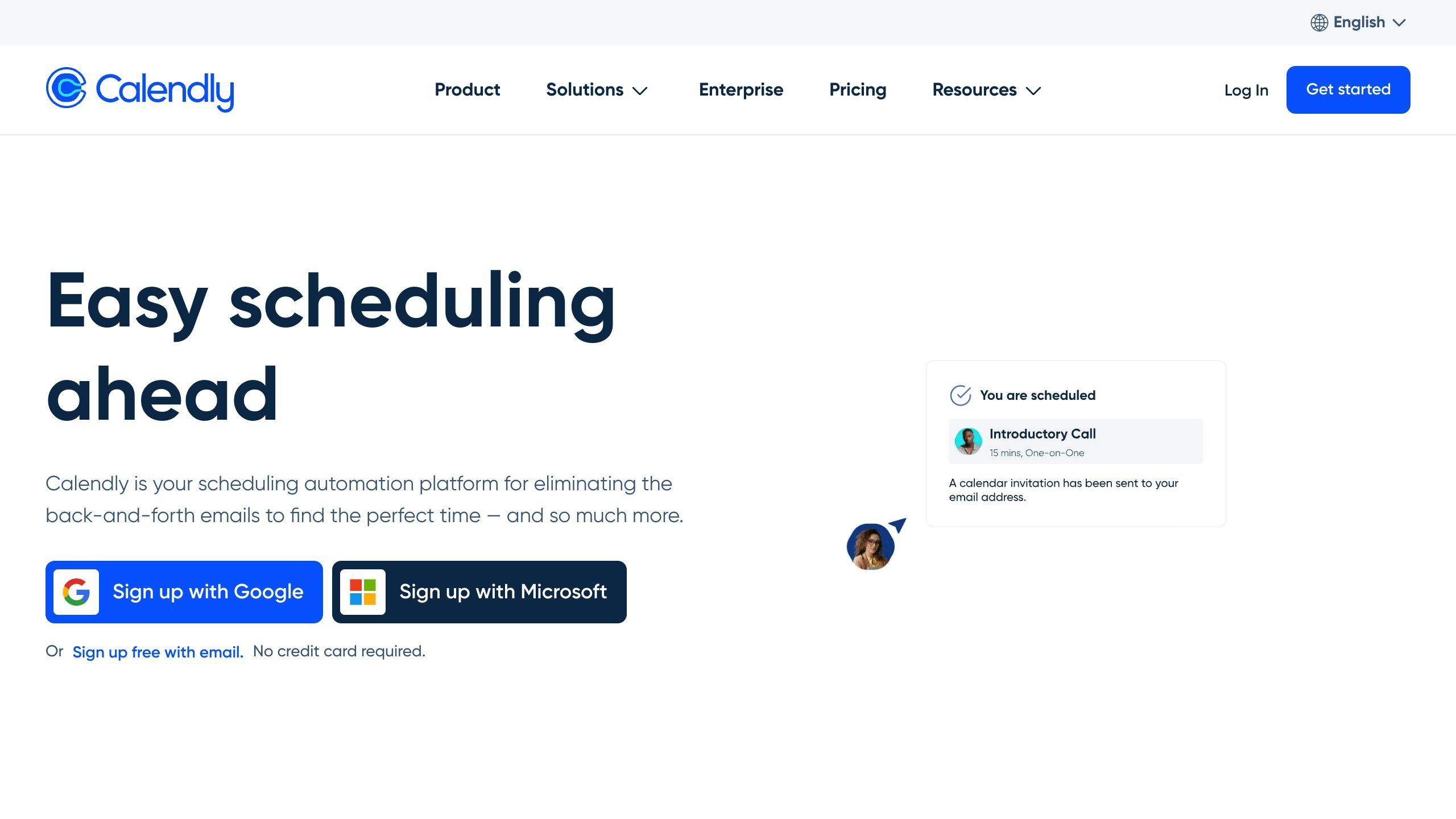
Different tools cater to different needs. Here’s a quick comparison:
| Tool | Key Features | Best For | Starting Price (Monthly) |
|---|---|---|---|
| Calendly | Team scheduling, calendar sync | Small to medium businesses | $8/user |
| Acuity Scheduling | Custom forms, payment options | Service providers | $14 |
| Your Lead Matrix | Lead engagement, automation | Sales-focused businesses | Custom pricing |
- Calendly is user-friendly and great for professional services.
- Acuity Scheduling offers advanced customization, making it ideal for service-based industries.
- Your Lead Matrix focuses on automating lead engagement, perfect for businesses aiming to boost customer conversions.
Trial Periods and Customer Support
Take advantage of free trials to evaluate:
- Ease of use: Is the interface intuitive for both you and your clients?
- Integration: Does it sync smoothly with your current tools?
- Customer support: Are resources like live chat or phone support readily available?
- Mobile compatibility: Can you manage appointments on the go?
Testing these features during the trial period ensures the tool meets your needs. Strong customer support is especially helpful during setup and training.
Once you’ve picked the right system, the next step is configuring it to streamline your scheduling process.
Setting Up and Optimizing Your Scheduling System
After choosing a scheduling tool, setting it up correctly and making adjustments is key to getting the most out of it. Here’s how to configure and fine-tune your system for top performance.
Initial Setup and Integration
Start by linking your scheduling tool to your existing business systems. Pay attention to these important steps:
Calendar Syncing: Make sure your scheduling tool connects with your primary calendar, like Google Calendar or Outlook. This helps avoid double-bookings and keeps your availability accurate.
Important Settings:
- Set your business hours and availability
- Adjust time zone preferences
- Establish minimum notice periods for bookings and cancellations
- Activate payment options if your tool supports them
Once the basic setup is done, it’s time to explore automation features that can save time and improve efficiency.
Automating Workflows
Automation can handle repetitive tasks and simplify your scheduling process. Use it for confirmations, reminders, and follow-ups to cut down on no-shows and improve communication.
Automation Features to Use:
- Add buffer times between appointments to avoid overlaps and give staff breathing room
- Automatically block off unavailable times on your calendar
- Use templates for common messages like booking confirmations or cancellation notices
- Set up instant notifications for new appointments
Tracking and Improving
Keep an eye on key metrics to ensure your scheduling system stays effective and aligns with your business goals.
Metrics to Watch:
- How efficiently your schedule is being used (e.g., fill rates, no-show rates)
- Client-related metrics like satisfaction levels and how quickly bookings are confirmed
- Trends in bookings and how resources are being used
Regular Updates:
- Refresh your service offerings and appointment types as needed
- Tweak automated messages to keep them relevant
- Adjust buffer times based on how appointments actually unfold
- Double-check integration settings to ensure everything runs smoothly
Regularly reviewing and updating your system will help it keep up with your business needs while staying efficient.
Conclusion: The Impact of Automated Scheduling on Business
Main Points
Automated scheduling systems simplify daily operations, cut down on no-shows, and improve customer satisfaction. Features like automated reminders, user-friendly booking options, and analytics for data-based decisions make these tools a game-changer for businesses . By applying the strategies in this guide, businesses can seamlessly integrate these systems to tackle scheduling issues and improve overall efficiency.
Next Steps for Business Owners
To make the most of automated scheduling, here are some practical steps to get started:
Assess Your Current Workflow
Identify issues in your current process, such as manual scheduling inefficiencies, frequent no-shows, or double-bookings.
Select the Right Platform
Explore tools that match your business needs. Here are a few options:
| Tool | Ideal For |
|---|---|
| Calendly | Small to medium businesses |
| Acuity Scheduling | Service-oriented businesses |
| Your Lead Matrix | Enterprise-level organizations |
Develop an Implementation Plan
Test the system with a pilot program, collect feedback, make necessary adjustments, and ensure your team is trained for a successful rollout.
FAQs
What is one of the key benefits of using online scheduling tools in cloud computing?
Cloud-based scheduling tools make it easier for teams to work together and adjust schedules, no matter where they are located . This approach changes how businesses handle scheduling, especially in remote work setups.
Research highlights the impact of automated scheduling:
| Benefit | Impact |
|---|---|
| Cost Savings | Around $5,000 saved per employee yearly |
| Fewer No-Shows | Up to a 50% reduction in missed appointments |
| Better Collaboration | Improved team coordination and resource use |
In healthcare, automated scheduling has proven to reduce no-shows by as much as 50%. It achieves this through features like integrated patient management systems, seamless appointment booking, and automated reminders. These tools not only improve patient satisfaction but also boost revenue . Their ability to integrate with existing systems showcases how they can reshape workflows specific to industries.
To get the most out of these tools, businesses can:
- Use branded booking pages that match their identity.
- Design intake forms tailored to their industry.
- Set up automated workflows based on appointment types.
- Enable real-time analytics for tracking and improvement.
Consistently monitoring the system ensures businesses can fine-tune their scheduling processes for top performance. These tools are a key part of modern scheduling systems, offering practical ways to streamline operations and improve efficiency.
