Struggling to manage appointments efficiently? Here’s a quick guide to setting up an effective scheduling system for your small business.
- Why it matters: A good scheduling system reduces no-shows, prevents overbooking, and improves customer satisfaction.
- Key steps:
- Identify your services, appointment lengths, and staff availability.
- Choose scheduling software with features like automated reminders, 24/7 booking, and calendar integration.
- Set clear business hours, define services, and configure automated reminders.
- Simplify online booking and establish clear cancellation policies.
- Monitor performance metrics like no-show rates and gather client feedback to improve.
Quick Comparison of Popular Tools:
| Software | Best For | Starting Price | Key Features |
|---|---|---|---|
| Your Lead Matrix | Automation-focused businesses | Contact for pricing | Automated follow-ups, reminders |
| Acuity Scheduling | Service-based businesses | $14/month | Unlimited services, Stripe integration |
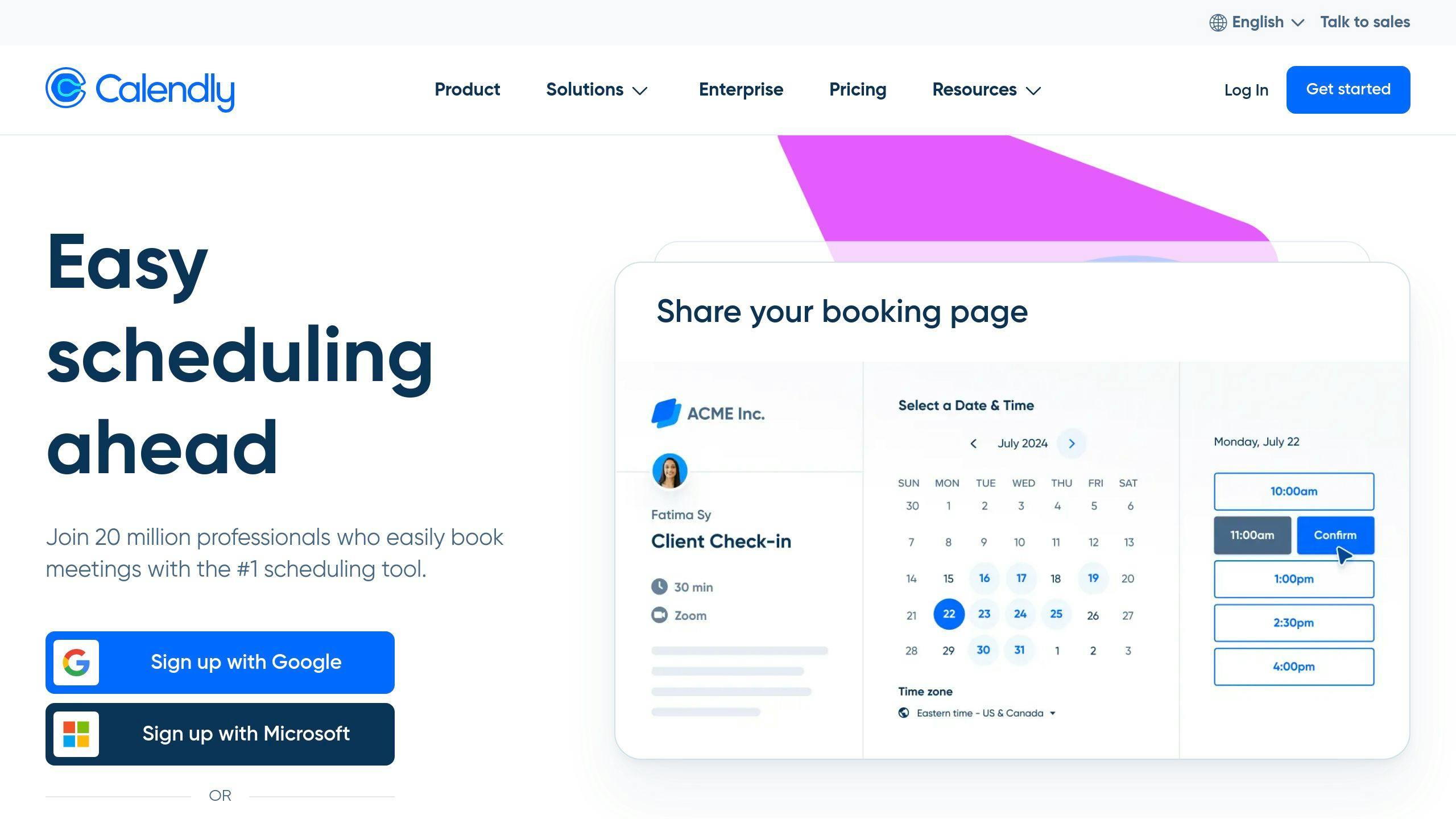
| Calendly | Simple scheduling needs | Free/$8/user/month | Google Analytics, multiple pages |
| Thryv | Small teams (1-10 employees) | Contact for pricing | Calendar sync, customer tools |
Bottom line: A scheduling system saves time, boosts revenue, and improves customer experience. Start by understanding your needs, picking the right tool, and customizing it for your business.
Calendly Tutorial: Best Appointment Scheduling Software for Small Business
Evaluating Your Appointment Scheduling Requirements
Before choosing a scheduling tool, it’s important to understand what your business truly needs. A clear understanding of your scheduling requirements helps you create a system that aligns with your operations and keeps your customers happy. Here’s how to break it down:
Identify Types and Lengths of Appointments
Start by listing your services, how long each takes, and any buffer time needed to avoid overlaps. For instance, a salon might schedule 30 minutes for a haircut and 2 hours for a color treatment, factoring in setup and cleanup. Accurately tracking the time each service requires can help you avoid delays and keep clients satisfied.
Assess Staff Availability and Scheduling Needs
Take note of when your staff is available, including regular hours, breaks, and any skill-specific tasks they handle. Tools like Google Calendar or scheduling software can make this process easier and ensure resources are used effectively.
Every business has its own scheduling challenges. Think about:
- Availability and maintenance of equipment
- Time needed to prepare rooms between appointments
- Appointments needing multiple staff members
- Busy seasons or peak periods
- Any preparation clients might need before their appointments
A good scheduling system should handle these variables smoothly. Look for software that can adapt to your needs while keeping things organized and ensuring a great customer experience .
Once you’ve outlined your scheduling needs, you’re ready to explore the software options that can meet them.
Selecting the Right Scheduling Software
Once you’ve identified your scheduling needs, it’s time to pick the software that simplifies your appointment management. There are plenty of options out there, each designed to suit different types of businesses.
Features to Look For
When evaluating scheduling software, focus on tools that will make your daily tasks easier. Features like automated reminders can help cut down on missed appointments, while 24/7 online booking gives customers the flexibility to schedule when it’s convenient for them. Key features to consider include:
- Integration with calendars and other business tools
- Customizable booking pages that reflect your branding
- Mobile-friendly design for on-the-go access
- Reporting tools to monitor appointment trends
- Options for scheduling across multiple staff members
Once you’ve pinpointed your must-have features, compare the leading tools to find the one that fits your business best.
Comparing Popular Scheduling Tools
Here’s a quick breakdown of some widely-used scheduling software to help you decide:
| Software | Best For | Starting Price | Key Features |
|---|---|---|---|
| Your Lead Matrix | Small businesses needing automation | Contact for pricing | Automated follow-ups, personalized reminders |
| Acuity Scheduling | Tech-savvy businesses | $14/month | Unlimited services, Stripe integration, customization options |
| Calendly | Simple scheduling needs | Free (basic), $8/user/month | Multiple scheduling pages, Google Analytics integration |
| Thryv | Businesses with 1-10 employees | Contact for pricing | Calendar sync, customer communication tools |
Integration Options to Consider
The right integrations can make scheduling software an even more powerful tool. Look for solutions that connect with:
- Payment systems and CRM platforms
- Email marketing tools
- Video conferencing services
- Your website or online presence
If you’re in healthcare, prioritize software with HIPAA compliance, like Sign In Scheduling, which comes with built-in compliance features .
Setting Up and Personalizing Your Scheduling System
Customizing your scheduling system helps it align with your business needs while making the booking process smooth for your clients.
Set Business Hours and Availability
Start by setting your core business hours in your scheduling platform so clients can only book during times you’re available:
- Set your primary time zone to avoid scheduling conflicts.
- Define regular business hours for each day of the week.
- Mark specific days as "Closed" or "By Appointment Only."
- Adjust for special hours during holidays or seasonal changes.
Syncing your scheduling software with your existing calendars ensures no overlaps and keeps your availability accurate .
Once your availability is in place, focus on defining your services.
Define Services and Appointment Lengths
Clearly outlining your services helps clients pick the right appointment type. Include details like:
- Service name and description
- Duration and buffer time between appointments
- Location (in-person, virtual, or hybrid)
- Maximum attendees or group size limits
- Any special instructions or preparations needed
After setting up your services, keep clients in the loop with automated reminders.
Configure Automated Reminders and Confirmations
Automated confirmations, reminders (sent 24–48 hours in advance), and follow-ups help reduce no-shows and improve communication .
"Automated appointment reminders are your best bet if you want clients to show up for appointments on time and reduce appointment cancellations."
Make sure your reminders are short and include key details like:
- Appointment date and time
- Location or meeting link
- Cancellation or rescheduling policy
- Contact information for any questions
If your industry has privacy regulations, ensure your automated messages meet compliance standards .
sbb-itb-4c38b13
Improving the Booking Process for Clients
A smooth and easy appointment booking process can help draw in new clients and keep existing ones happy. Plus, it reduces the workload for your staff, making day-to-day operations run more smoothly.
Simplify Online Booking Options
An online booking system can make scheduling a breeze while avoiding double bookings and other conflicts. To make things even easier for your clients, consider:
- Embedding scheduling tools directly on your website.
- Adding booking links to your social media profiles and Google listings.
- Ensuring the booking interface works well on mobile devices.
These small changes can make a big difference in how clients interact with your business.
Establish Clear Cancellation and Rescheduling Policies
Your policies on cancellations and rescheduling should be easy to understand and readily available. For example, you might require 24-48 hours’ notice for cancellations, allow up to three free reschedules, and offer a 15-minute grace period for late arrivals.
Make sure clients see these policies by:
- Displaying them during the booking process.
- Including them in confirmation emails.
- Adding them to automated reminders.
- Training staff to explain them consistently.
Using tools like Zoho Bookings can help you track cancellations and reschedules automatically. This way, you can spot trends and tweak your policies as your business evolves .
For clients who might need extra help, offer alternative options like a direct phone number or email for booking. This ensures everyone can access your services without frustration.
Once your booking system is running smoothly, you can start analyzing its performance and look for ways to keep improving.
Monitoring and Improving Your Scheduling System
Managing an appointment scheduling system takes consistent effort. By keeping an eye on key metrics and using data to guide improvements, you can make your scheduling process more efficient and keep your customers happy.
Keep an Eye on Key Metrics
Pay attention to these performance indicators to see how well your scheduling system is working:
- No-show rates: Spot patterns and take steps to reduce missed appointments.
- Booking frequency: Identify busy times and slower periods to adjust staff schedules accordingly.
- Time saved: Track how much time automation and streamlined processes are saving you.
Tools like Your Lead Matrix can help you analyze booking trends and find bottlenecks. Once you understand these trends, use feedback from clients to fine-tune your system even more.
Gather and Apply Client Feedback
Surveys, reviews, and direct suggestions from clients can provide valuable insights into what’s working and what needs improvement. Use this feedback to make your scheduling system more customer-friendly.
Focus on:
- Post-appointment surveys
- Online reviews and ratings
- Direct client suggestions
When combined with performance data, client feedback can guide meaningful updates to your system.
Regularly Review and Make Updates
Plan quarterly reviews of your scheduling system to ensure it’s running smoothly. During these reviews:
- Use performance data to adjust automation rules and workflows.
- Optimize reminder sequences based on what clients prefer.
- Try out new features to improve efficiency and enhance the client experience.
For instance, if data shows higher no-show rates at certain times, you could introduce stricter confirmation requirements for those slots. Small changes like these can make a big difference in overall performance.
Conclusion: Key Points for Effective Appointment Scheduling
Automated scheduling systems have proven to cut no-shows by 35% and boost revenue by up to 25%, thanks to improved booking management . These changes directly influence both operational efficiency and business growth.
Financial Benefits and Modernization
Automated reminders and smoother booking processes help businesses avoid losing revenue from missed appointments. With 80% of customers preferring online booking options , companies using real-time calendar synchronization experience 30% fewer scheduling conflicts and a 25% boost in customer satisfaction .
"Incorporating an online appointment scheduling system into your business strategy in 2024 is not just a perk; it’s a strategic move." – Gaurav Sharma, Founder and CEO of Attrock
Seamless Integration and Enhanced Customer Experience
Platforms like Thryv and Acuity improve efficiency by integrating scheduling tools with existing business systems . Features like 24/7 booking access, automated reminders, and real-time updates have played a key role in the growing popularity of scheduling apps. These tools meet customer demands while simplifying operations, helping businesses stay ahead in a competitive market.
FAQs
What is the most commonly used appointment scheduling system?
Two popular platforms for managing appointments are Calendly and Acuity Scheduling.
- Calendly: Starting at $8 per user per month, it works smoothly with Google and Office 365 calendars. It’s a go-to choice for professionals in fields like HR, sales, and education.
- Acuity Scheduling: With plans starting at $16 per month, it offers features like recurring appointments and customizable booking options. This makes it a great fit for service-focused businesses, such as wellness providers and online trainers.
These are just two examples of many scheduling tools available. The best option for your business will depend on factors like your team size, industry needs, and how well the platform fits into your current workflows. Take the time to evaluate what aligns best with your specific requirements.
