Workflow bottlenecks can slow your business down, impacting productivity, collaboration, and customer satisfaction. The good news? Tools exist to help you identify and fix these issues. Here’s a quick rundown of the best options:
- Your Lead Matrix: Automates scheduling and follow-ups to reduce no-shows and missed opportunities.
- Jira: Tracks tasks, visualizes workflows, and uncovers delays with customizable boards and reports.
- Nintex: Simplifies process automation with drag-and-drop design and AI-driven insights.
- ProHance: Offers detailed analytics and real-time monitoring to improve productivity and resource use.
- Pipefy: Uses Kanban boards and automation to streamline workflows and prevent delays.
Each tool is tailored to specific needs, from simple scheduling fixes to advanced workflow analysis. The right choice depends on your team size, technical skills, and business goals.
Quick Comparison
| Tool | Best For | Key Features | Challenges |
|---|---|---|---|
| Your Lead Matrix | Small teams needing scheduling help | Automated messages, real-time updates | Pricing details not upfront |
| Jira | Technical teams with complex tasks | Agile boards, detailed reporting | Steep learning curve |
| Nintex | Non-technical users | Drag-and-drop workflows, AI insights | May need customization for complex needs |
| ProHance | Productivity-focused businesses | Unified dashboard, custom alerts | Requires setup for tailored rules |
| Pipefy | Visual task management | Kanban boards, SLA tracking | May lack depth for intricate processes |
Start with a tool that addresses your biggest bottleneck. Over time, you can expand to more advanced solutions as your workflows evolve.
Mastering Bottleneck and Inefficiency Identification
Your Lead Matrix

Your Lead Matrix tackles a common challenge in business operations: delays in scheduling and customer follow-ups. When appointments fall through or follow-ups are missed, it creates unnecessary bottlenecks. This platform solves these issues by automating key processes, ensuring smoother workflows and keeping customers engaged every step of the way.
The platform is designed to maximize bookings from existing customer lists and inbound leads. By automating the scheduling process, it eliminates the risk of manual errors or overlooked follow-ups, ensuring no potential appointment goes unbooked.
One standout feature is its focus on reducing no-shows through personalized, automated messaging. No-shows not only disrupt schedules but also waste valuable resources. By addressing this problem with tailored communication, businesses can maintain consistent workflows and optimize resource use.
Here’s a closer look at the core features that make Your Lead Matrix an effective solution for scheduling and engagement challenges.
Main Features of Your Lead Matrix
- Automated appointment scheduling: Handles bookings seamlessly with intelligent calendar management, reducing the need for constant manual input.
- Customizable follow-up messages: Ensures consistent communication that matches your brand voice, solving the issue of delayed or inconsistent follow-ups.
- Personalized reminders and confirmations: Uses customer data to craft tailored messages, improving engagement and reducing missed appointments.
- Missed call follow-ups: Automatically initiates follow-up sequences when calls go unanswered, ensuring no lead is left unattended.
- Real-time data synchronization: Keeps customer information updated across platforms, preventing scheduling conflicts and communication errors.
- Lead engagement tools: Maintains momentum with leads by delivering timely and relevant communications, keeping prospects engaged from first contact to appointment.
These features are packaged into flexible pricing plans, making the platform accessible to businesses of varying sizes and needs.
Pricing and Plans
Your Lead Matrix offers three pricing tiers, each tailored to different business requirements. Pricing details are available upon request, allowing businesses to customize their plan based on specific needs.
| Plan Name | Price | Key Features | Best For |
|---|---|---|---|
| Basic Plan | Contact Us | Automated scheduling, follow-ups, reminders, and confirmations | Small businesses with simple needs |
| Professional Plan | Contact Us | All Basic features plus advanced lead engagement and marketing tools | Growing businesses seeking more tools |
| Enterprise Plan | Contact Us | All Professional features plus custom integrations and dedicated support | Large teams with complex workflows |
- The Basic Plan covers essential automation features, perfect for small businesses looking to streamline scheduling and reduce no-shows.
- The Professional Plan builds on this by adding advanced engagement tools and marketing strategies, ideal for businesses aiming to enhance customer acquisition and retention.
- The Enterprise Plan offers custom integrations and dedicated support, making it a great fit for larger teams with more complex operational needs.
Each plan includes appointment limits that scale with the tier, though exact numbers are discussed during the pricing consultation. This approach ensures businesses get tailored solutions that align with their workflow and budget.
Jira
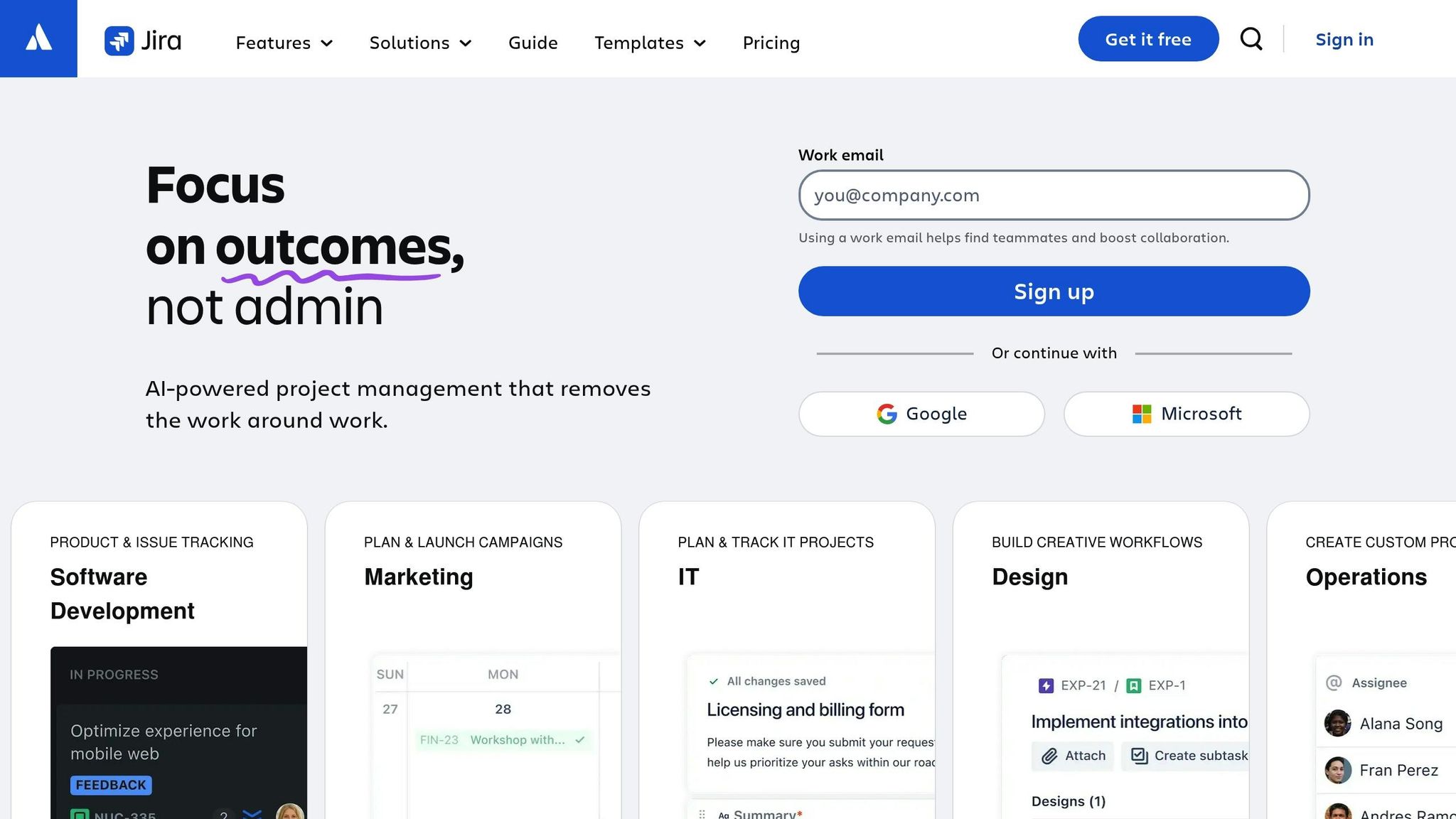
Jira is a versatile issue tracking and project management tool designed to help teams identify and resolve workflow challenges. While it was originally developed for software development teams, Jira has evolved into a platform that supports cross-functional collaboration and process management, making it a valuable resource for small to medium-sized businesses aiming to improve communication and teamwork.
One of Jira’s standout features is its ability to visualize work progress using customizable boards. These boards provide teams with a clear view of where tasks stand, helping to spot delays before they become bigger problems. This early visibility is crucial for avoiding disruptions to project timelines or customer satisfaction.
Jira’s strength in bottleneck analysis lies in its capacity to track task histories and uncover recurring issues. By using this data-driven approach, teams can make smarter decisions about how to refine processes and allocate resources more effectively.
Another key advantage is Jira’s workflow customization. Instead of forcing teams to conform to rigid software structures, Jira adjusts to the way teams naturally work. This flexibility makes it easier to pinpoint and address bottlenecks in a way that aligns with real-world operations.
Now, let’s take a closer look at the features that make Jira particularly effective at identifying and resolving bottlenecks.
Main Features of Jira
At its core, Jira offers customizable workflow states that align with actual business processes. Teams can design workflows tailored to their specific needs, ensuring that every stage of a task is clearly defined. This transparency helps teams understand what’s required to move work forward at each step.
Jira’s Agile boards – available in both Scrum and Kanban formats – allow teams to visualize their work in progress. These boards make it easy to spot capacity issues, such as overloaded team members or bottlenecks in specific stages of a process, so adjustments can be made quickly.
The platform also includes advanced reporting tools that provide insights into team performance and workflow efficiency. With features like burndown charts, velocity reports, and cycle time analysis, teams can uncover hidden bottlenecks that might not be obvious during daily operations.
Jira integrates seamlessly with popular tools like Slack, Google Workspace, Microsoft Teams, and Confluence, ensuring that workflow data flows smoothly between systems. These integrations enhance collaboration and keep everyone on the same page.
Security and permissions are another strength of Jira. Its permission controls allow organizations to manage who can view and edit workflows, ensuring sensitive data stays secure while maintaining transparency where needed.
Finally, Jira’s automation engine helps streamline processes by automating tasks like status updates, notifications, and assignments. This reduces manual work and ensures that tasks continue moving forward, even when team members are busy with other priorities.
Together, these features make it easier to identify delays and implement targeted improvements.
Pros and Cons of Jira
| Advantages | Disadvantages |
|---|---|
| Customizable workflows that match any business process | Steep learning curve for new users |
| Detailed reporting with performance metrics and analytics | Complex interface that may overwhelm smaller teams |
| Extensive integrations with third-party tools | Resource-intensive, requiring dedicated administration |
| Scalable design to accommodate growing teams | Pricing increases significantly as team size grows |
| Robust permission controls for secure collaboration | Risk of over-complicating simple workflows |
Jira is especially well-suited for technical teams and organizations with complex workflows that require in-depth tracking and analysis. Its ability to handle intricate processes and deliver actionable insights makes it a powerful tool for optimizing team performance over time.
That said, smaller teams with simpler workflows might find Jira’s extensive features overwhelming. The platform requires regular maintenance and configuration to get the best results, which can be challenging for businesses without dedicated IT support.
Additionally, as teams grow, costs can escalate due to Jira’s pricing structure, which is based on the number of users. Businesses need to carefully evaluate whether the platform’s capabilities justify the total investment, including training and administrative resources.
Nintex
Nintex is a process automation platform designed to simplify workflow management and boost efficiency for businesses. It combines an intuitive visual workflow design with advanced analytics to help teams identify and eliminate bottlenecks. By focusing on ease of use for non-technical users while offering robust analytical tools for IT teams, Nintex provides a practical solution for small and medium-sized businesses (SMBs) looking to optimize their operations.
The platform revolves around a visual-first approach, allowing teams to map workflows using a drag-and-drop interface. This method not only makes it easier to design workflows but also highlights inefficiencies in how tasks move through an organization. Nintex gives business users the power to create and adjust workflows independently, without needing constant IT assistance.
One of Nintex’s standout features is its AI-driven process intelligence. This tool monitors workflows in real time, tracking task progress, resource allocation, and process variations. With automated analysis, teams can uncover bottlenecks that might otherwise go unnoticed. Additionally, its mobile-friendly design ensures that workflows keep moving, even when approvals need to happen on the go, reducing delays.
For SMBs, Nintex offers quick deployment, enabling teams to start analyzing and improving workflows within days. This rapid setup can be especially helpful for businesses that need to address pressing operational challenges without waiting weeks for implementation.
Main Features of Nintex
Nintex comes equipped with a variety of tools to streamline process management:
- Drag-and-drop workflow designer: This feature lets users create process maps with ease, making it simple to spot and address potential bottlenecks. Pre-built templates for common business processes help teams get started quickly and efficiently.
- AI-powered process intelligence: Continuous monitoring and analysis identify workflow patterns and anomalies, offering automated recommendations for improvement. This helps teams make informed decisions about where to focus their efforts.
- Mobile-responsive forms: These forms adapt to any device and can function offline, syncing automatically when back online. This ensures workflows continue smoothly, even when team members are away from their desks.
- Real-time analytics dashboards: These dashboards provide a clear view of key metrics like task completion times, backlogs, and resource usage. With instant insights, teams can act quickly to address emerging issues.
- Seamless integrations: Nintex integrates with widely used tools such as Microsoft 365, Salesforce, SharePoint, and DocuSign. These connections enable smooth data flow between systems, cutting down on manual handoffs and potential delays.
- Document automation: The platform streamlines the creation of contracts, reports, and other essential documents, removing inefficiencies tied to manual processes.
- Compliance tracking: Built-in audit trails and compliance monitoring help businesses meet regulatory requirements while optimizing workflows, making it particularly useful for industries with strict oversight.
Benefits of Nintex for SMBs
Nintex offers several advantages tailored to the needs of small and medium-sized businesses:
| Capability | Benefit for Small to Medium Businesses |
|---|---|
| Visual Process Design | Empowers non-technical staff to manage workflows without IT support |
| AI-Powered Intelligence | Automates bottleneck detection, saving time on manual analysis |
| Mobile Accessibility | Keeps workflows moving, even with remote or on-the-go approvals |
| Rapid Deployment | Allows teams to start optimizing workflows in just a few days |
| Pre-built Templates | Speeds up implementation with ready-to-use process frameworks |
| Cloud-based Platform | Reduces infrastructure costs with automatic updates |
| Integration Hub | Connects with existing tools to avoid replacing current systems |
| Scalable Pricing | Offers flexible pricing that grows alongside the business |
Nintex is especially valuable for businesses with approval-heavy workflows, such as HR onboarding, contract management, and financial approvals. Its ability to automate repetitive tasks while providing clear performance insights helps teams stay efficient as they scale.
With its user-friendly interface, Nintex enables business users to take charge of their workflows, reducing reliance on IT departments. This flexibility is a major advantage for SMBs that need to adapt quickly to changing market demands. However, for organizations with highly complex or specialized workflows, the platform’s simplicity might require additional customization to meet unique needs.
sbb-itb-4c38b13
ProHance
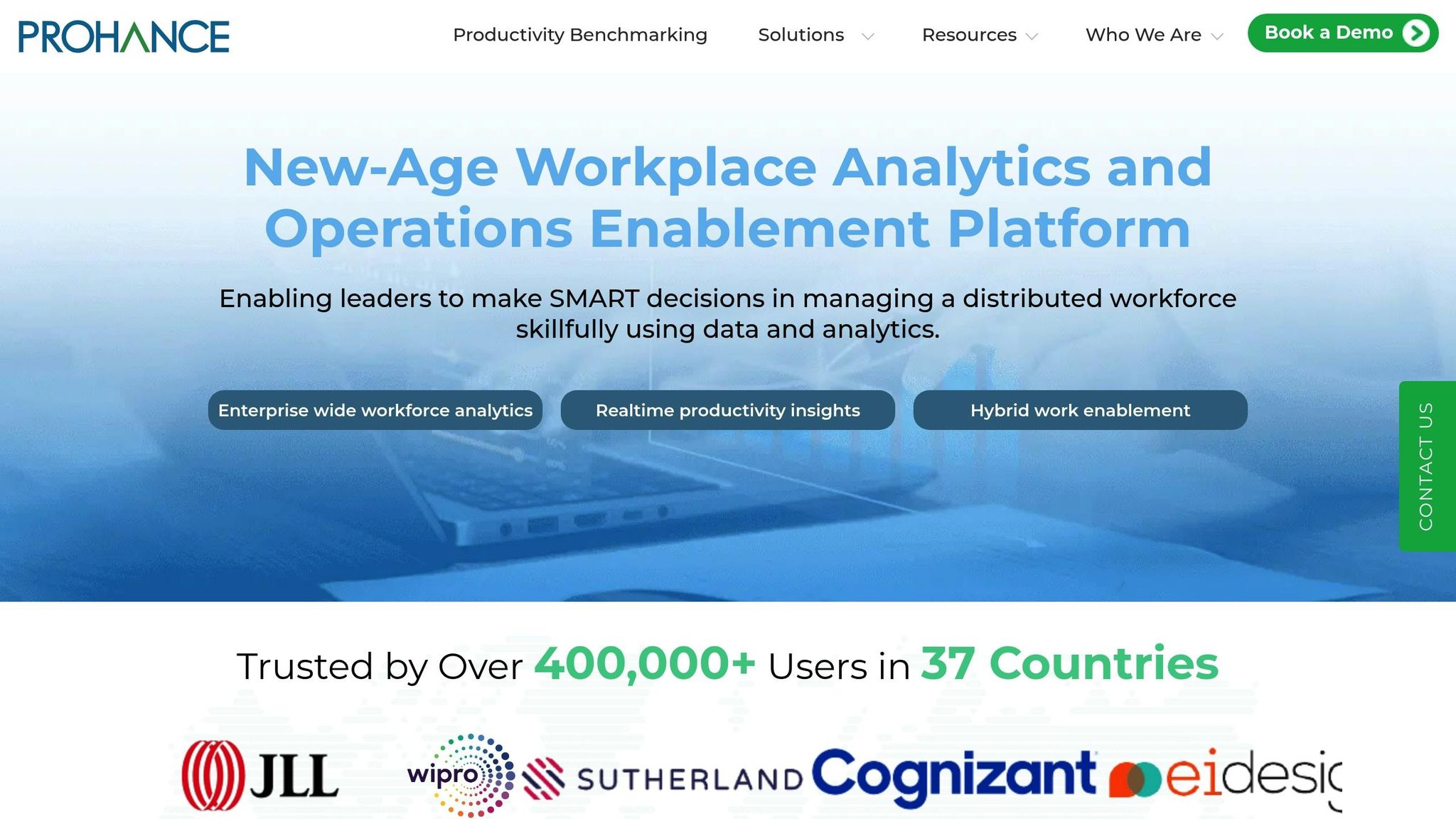
ProHance takes a data-driven approach to transform operational metrics into practical solutions. It provides real-time visibility into workflows and productivity, capturing detailed data in a way that doesn’t disrupt daily operations. The platform focuses on delivering actionable insights to help businesses identify and address bottlenecks before they create larger problems. By combining workforce analytics with tools for process improvement, ProHance is especially useful for organizations aiming to meet productivity targets while keeping employee satisfaction in mind.
The system tracks task completion patterns, resource allocation, and collaboration points, offering a comprehensive view of how work moves through an organization. This allows managers to pinpoint not just where issues arise, but also why they occur and how to prevent them in the future.
One of ProHance’s key strengths is its unified dashboard, which pulls data from various sources into a single, easy-to-navigate portal. This saves managers time by eliminating the need to juggle multiple tools. Additionally, ProHance offers custom alerts, enabling teams to set specific performance thresholds and receive notifications when metrics fall outside the expected range.
For small and medium-sized businesses, ProHance stands out thanks to its ability to scale monitoring efforts without requiring a dedicated analytics team. Its automated analysis tools make it possible for organizations with limited resources to maintain a high level of workflow oversight.
Main Features of ProHance
ProHance delivers workflow insights and bottleneck analysis through several key features designed to improve efficiency:
- Performance tracking: Continuously monitors task progress, resource usage, and collaboration, allowing managers to identify bottlenecks within hours rather than days.
- Custom rule creation: Lets teams define their own performance standards and bottleneck indicators, such as task duration limits or acceptable queue lengths. The system flags potential issues automatically when these thresholds are exceeded.
- Unified management portal: Combines all workflow data into a single interface, providing easy access to performance insights, team metrics, and alerts without the need to toggle between tools.
- AI-powered bottleneck detection: Uses advanced algorithms to spot patterns that indicate slowdowns, comparing data against performance baselines to prevent minor delays from escalating.
- Resource optimization insights: Analyzes workload distribution to identify overburdened team members and suggests strategies for rebalancing tasks to improve overall efficiency.
- Integration capabilities: Seamlessly connects with existing tools like project management software, CRM platforms, and communication systems, enabling detailed workflow analysis without disrupting current processes.
- Mobile accessibility: Keeps key metrics and alerts accessible on the go, ensuring smooth operations even when managers are away from their desks.
ProHance Advantages
ProHance offers clear benefits for organizations focused on improving workflow efficiency and operational clarity:
| Capability | ProHance Advantage | Impact for SMBs |
|---|---|---|
| Analytics | Real-time monitoring with instant bottleneck alerts | Enables quick responses to workflow issues before they escalate |
| Custom Rule Engine | Flexible thresholds for different workflows | Adapts to unique processes without forcing a one-size-fits-all model |
| Unified Dashboard | Centralized access to all workflow metrics | Reduces time spent managing data and speeds up decision-making |
| Detection | Predictive bottleneck identification | Focuses on prevention rather than reactive problem-solving |
| Resource Insights | Detailed workload analysis and recommendations | Helps balance team workloads for better efficiency |
| Integration Flexibility | Works with existing tools without disrupting workflows | Simplifies implementation and reduces training needs |
ProHance is ideal for businesses where operational visibility is essential. It shines in environments with complex workflows, multi-step approval processes, or distributed teams. The platform’s ability to deliver both high-level overviews and detailed bottleneck analyses makes it a valuable tool for managing both strategic goals and everyday operations.
With its powerful analytics and seamless integrations, ProHance equips teams to take a proactive approach to optimizing workflows and enhancing productivity.
Pipefy
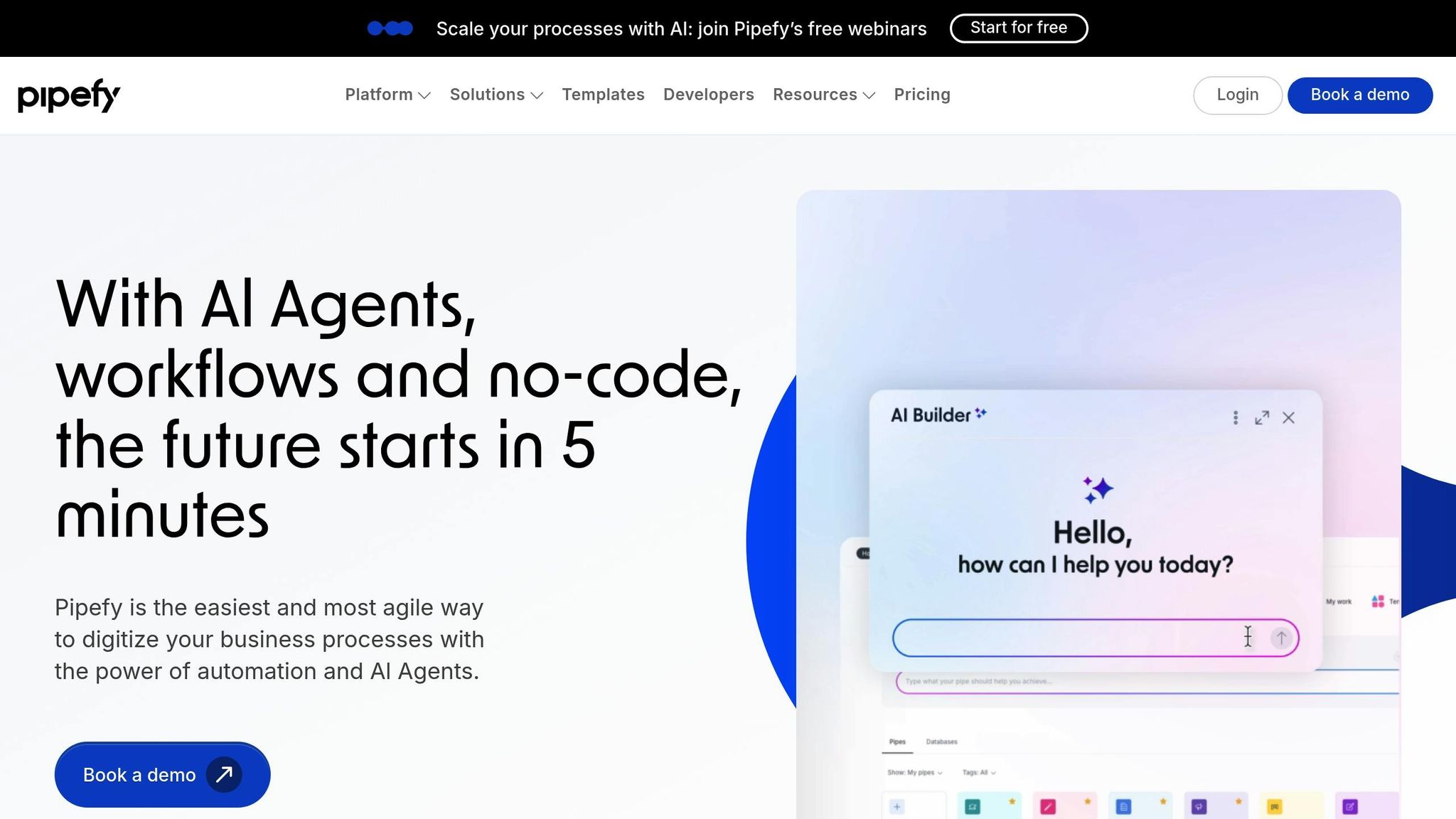
Pipefy takes the complexity out of managing workflows by using visual pipelines that make bottlenecks easy to spot. Instead of relying on static charts or overwhelming dashboards, Pipefy employs Kanban-style boards. Each stage of a process is represented as a column, with tasks moving from left to right as they progress. This layout makes it simple for teams to see where tasks are piling up, helping them identify and address bottlenecks quickly. This clarity allows teams to standardize and automate their processes effectively.
The platform balances process standardization with flexibility. Teams can set up custom fields, define mandatory information for each step, and create approval workflows that automatically route tasks. If bottlenecks arise, Pipefy’s automation engine can send alerts, escalate issues, or redistribute work based on pre-set rules.
With its no-code design, Pipefy empowers small and medium businesses to create advanced automated workflows without needing technical expertise. The drag-and-drop interface makes it easy to adjust workflows on the fly, whether it’s to resolve bottlenecks or adapt to shifting business needs.
Pipefy also includes SLA monitoring, allowing teams to set time limits for each stage of a process. Automatic alerts notify users when tasks are nearing their deadlines, helping to prevent delays before they escalate.
Main Features of Pipefy
Pipefy’s tools for bottleneck analysis focus on visual management and smart automation, offering features like:
- Visual pipeline design: Displays tasks on Kanban boards, making it easy to spot bottlenecks when cards pile up in specific stages.
- Custom field requirements: Ensures tasks are complete before advancing by requiring mandatory information at each step.
- SLA tracking and alerts: Tracks how long tasks stay in each stage and sends notifications when deadlines approach, helping teams stay proactive.
- Conditional logic automation: Automates actions like assigning high-priority tasks or escalating overdue items, reducing manual intervention.
- Process templates: Includes ready-made workflows for tasks like hiring, procurement, and customer onboarding, designed to minimize bottlenecks.
- Integration marketplace: Connects with over 300 apps, including Slack, Microsoft Teams, Salesforce, and Google Workspace, ensuring seamless data flow across systems.
- Real-time reporting: Offers dashboards that highlight delays, cycle times, and completion rates, providing actionable insights to resolve bottlenecks.
- Mobile workflow management: Allows team members to update tasks, approve requests, and receive notifications on the go, avoiding location-based delays.
These features are tailored to meet the specific workflow challenges faced by smaller teams.
Benefits of Pipefy for Small Teams
Pipefy offers solutions that address the common challenges small and medium businesses face when managing workflows and tackling bottlenecks:
| Business Need | Pipefy Solution | SMB Impact |
|---|---|---|
| Limited IT Resources | No-code workflow builder with drag-and-drop design | Enables teams to create and update workflows without relying on developers. |
| Process Inconsistency | Standardized templates with mandatory fields | Ensures all team members follow consistent steps, reducing errors and delays. |
| Delayed Issue Detection | Real-time SLA monitoring with alerts | Identifies bottlenecks within hours instead of during post-mortem reviews. |
| Manual Task Routing | Conditional automation for task assignments | Eliminates delays caused by manual handoffs and routing errors. |
| Scattered Communication | Collaboration tools with @mentions and comments | Centralizes discussions, cutting down on email threads and missed updates. |
| Limited Budget for Tools | All-in-one platform for workflows, automation, and reporting | Replaces multiple tools, offering a cost-effective solution. |
Pipefy streamlines workflows while improving team collaboration. Its library of templates allows small teams to adopt best practices quickly. Instead of starting from scratch, teams can use pre-designed workflows for tasks like hiring or onboarding and then customize them to address specific bottlenecks. This approach reduces setup time significantly, often going from weeks to just days.
For remote or distributed teams, Pipefy’s collaborative features ensure alignment when workflows change. When a bottleneck is identified, and adjustments are made, team members are automatically notified of updates. This eliminates the need for long meetings or extensive training sessions. By keeping everyone informed in real time, Pipefy provides the transparency and insights teams need to manage bottlenecks effectively and keep processes running smoothly.
Conclusion
Choosing the right workflow bottleneck analysis tool hinges on factors like your business size, technical know-how, and collaboration requirements. For smaller teams with limited IT support, no-code platforms like Pipefy offer an intuitive way to manage workflows visually, eliminating the need for developer assistance. On the other hand, medium-sized businesses with more intricate workflows might benefit from Jira’s robust tracking and customization features, even if it comes with a steeper learning curve.
Each tool caters to specific challenges. For instance, Nintex works seamlessly with Office 365, making it ideal for businesses already relying on that ecosystem. If employee productivity is a key focus, ProHance provides detailed analytics tailored to operational needs. Similarly, Your Lead Matrix helps automate appointment scheduling and follow-ups, addressing delays caused by manual coordination in lead management workflows.
It’s essential to avoid tools that are overly complicated and end up slowing progress. Start by addressing one critical bottleneck, then build on those improvements. Even the most feature-rich platform can become a hindrance if your team spends more time learning the system than solving actual workflow issues.
Regularly evaluating your workflows is key to improving efficiency and achieving better results. Investing in the right analysis tools can minimize delays, boost team morale, and ensure more predictable project timelines. Ultimately, the best tool is the one your team actively uses. Look for platforms that integrate smoothly with your current systems and offer clear, actionable insights – steering clear of dashboards cluttered with metrics that don’t inform meaningful decisions.
FAQs
What’s the best way to choose a workflow bottleneck analysis tool for my business?
To choose the best workflow bottleneck analysis tool for your business, start by pinpointing your specific requirements. Focus on tools tailored to small and medium-sized businesses that include features like identifying bottlenecks, automating processes, and integrating with your existing systems. Opt for solutions that are easy to use and can grow alongside your business.
Look for tools that address your workflow challenges, such as simplifying scheduling, managing follow-ups, or enhancing customer engagement. These features can help streamline operations and minimize delays. Make sure the tool integrates smoothly with your current setup and aligns with your long-term objectives.
What are the key advantages of using Your Lead Matrix for automating scheduling and follow-ups?
Using Your Lead Matrix for scheduling and follow-up automation brings a host of advantages that can make a real difference in how your business runs. For starters, it takes over repetitive tasks, saving you time and cutting down on manual errors. This means your workflow becomes smoother and more efficient.
On top of that, it helps you connect better with your customers by sending personalized reminders and confirmations. This not only reduces no-shows but also boosts customer satisfaction. By taking care of these time-consuming processes, you can shift your focus to growing your business and delivering top-notch service to your clients.
How do tools like Jira and ProHance help teams work more efficiently and overcome workflow challenges?
Tools like Jira and ProHance are designed to help teams work smarter by tackling common workflow challenges and boosting productivity.
Jira makes task management a breeze with features like customizable workflows, automation for repetitive tasks, and visual tools such as Scrum boards. These tools not only simplify tracking progress but also ensure everyone stays on the same page. On the other hand, ProHance specializes in workforce analytics. It provides detailed insights into team performance, pinpoints inefficiencies, and helps allocate resources more effectively.
Together, these tools combine task management with performance analytics, giving teams what they need to plan, monitor, and adjust workflows with ease. The result? Smoother processes and better efficiency, even in the most demanding projects.
